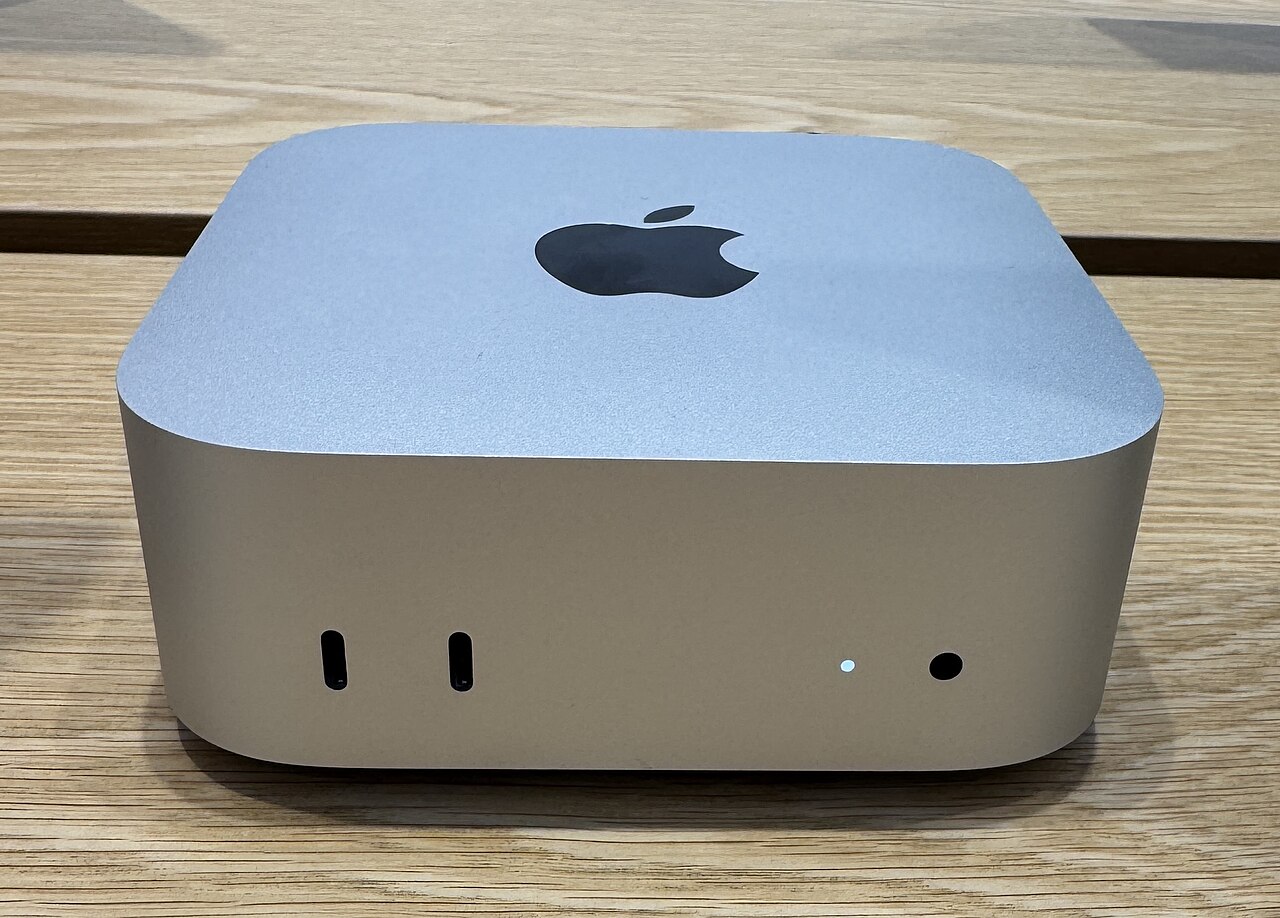
I'm building a product called Tracer. I also run a business, manage content, and do rail engineering contract work that puts me on site most of the week. I needed to be able to build, ship, and manage things from my phone.
This is the setup that made that possible. It wasn't planned. It evolved out of frustration with cloud tools that couldn't do what I needed.
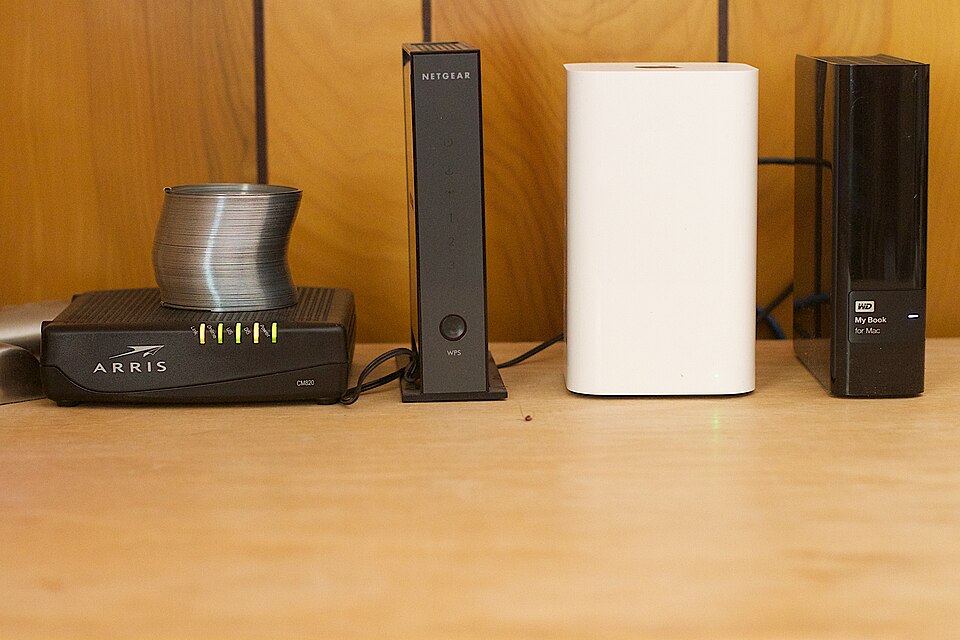
The problem
When I started building Tracer, I was using web-based AI tools. ChatGPT, Claude, the usual suspects. They're good for answering questions. They're useless for doing work.
I needed to run scripts. Edit files. Deploy websites. Post to LinkedIn. Manage agents. None of that happens in a browser chat window. I needed my actual machine, but I wasn't sitting at it.
So I built a way to work from my phone that gives me full access to my Mac Mini, running AI agents that can do real work on my behalf.
The stack
The core is six tools. Around them sits a wider system of integrations that does the actual work.
1. Tailscale
Tailscale is a mesh VPN. It connects my Mac Mini, a VPS, my phone, and my tablet into one private network. Every device gets a fixed IP address. I can reach my Mac Mini from my phone anywhere, without opening ports on my router.
I also use Tailscale Funnel, which gives me a public HTTPS URL that tunnels through to my Mac Mini. Useful for webhooks and for reaching local Flask apps from the internet.
Setup takes 10 minutes. Install Tailscale on each device, log in with the same account. Done. No router configuration, no port forwarding, no dynamic DNS.
This was the first piece. Once I had Tailscale, my phone could reach my Mac Mini. Everything else built on top of that.
2. Termius
Termius is an SSH client for iOS and Android. I use it to SSH into my Mac Mini over the Tailscale network.
Once connected, I have a full terminal on my phone. I can run commands, check logs, start and stop services, edit files. Everything I'd do at the desk, but on a 6-inch screen.
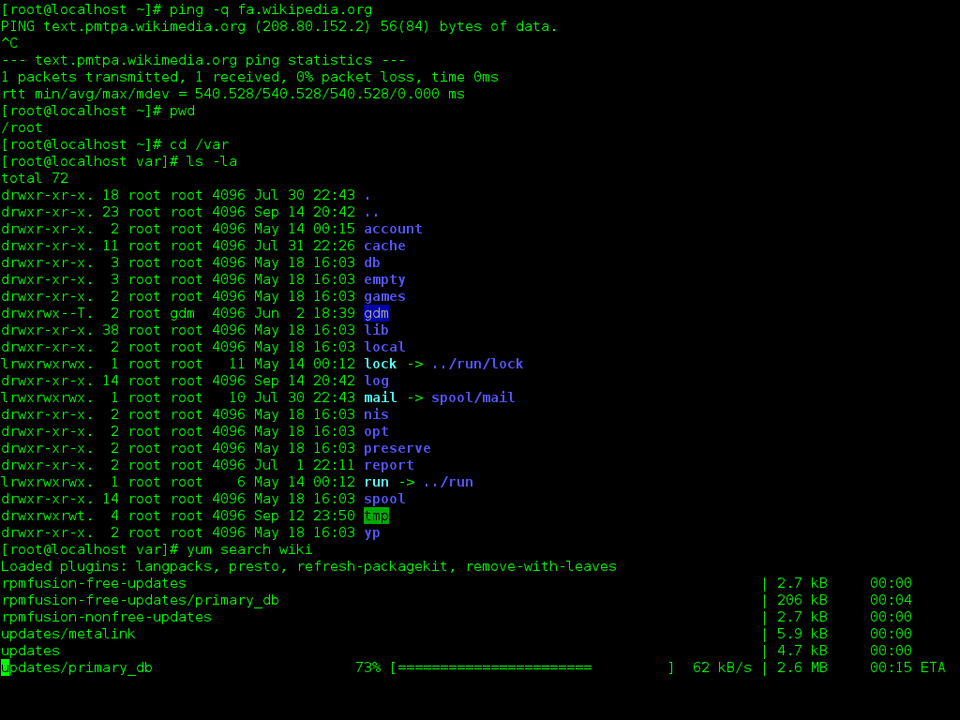
The key thing: my terminal sessions don't die when my phone loses connection. I run everything inside tmux. If my phone drops off Tailscale, the session keeps running on the Mac Mini. I reconnect and pick up where I left off.
3. tmux
tmux is a terminal multiplexer. It lets you run multiple terminal sessions inside one SSH connection. More importantly, those sessions persist even when you disconnect.
I have 15 tmux sessions running on the Mac Mini right now. Each one has a purpose: one for each AI agent, one for Claude Code, one for monitoring, one for general work. When I SSH in from my phone, I can jump to any session, see what's happening, send commands, and leave.
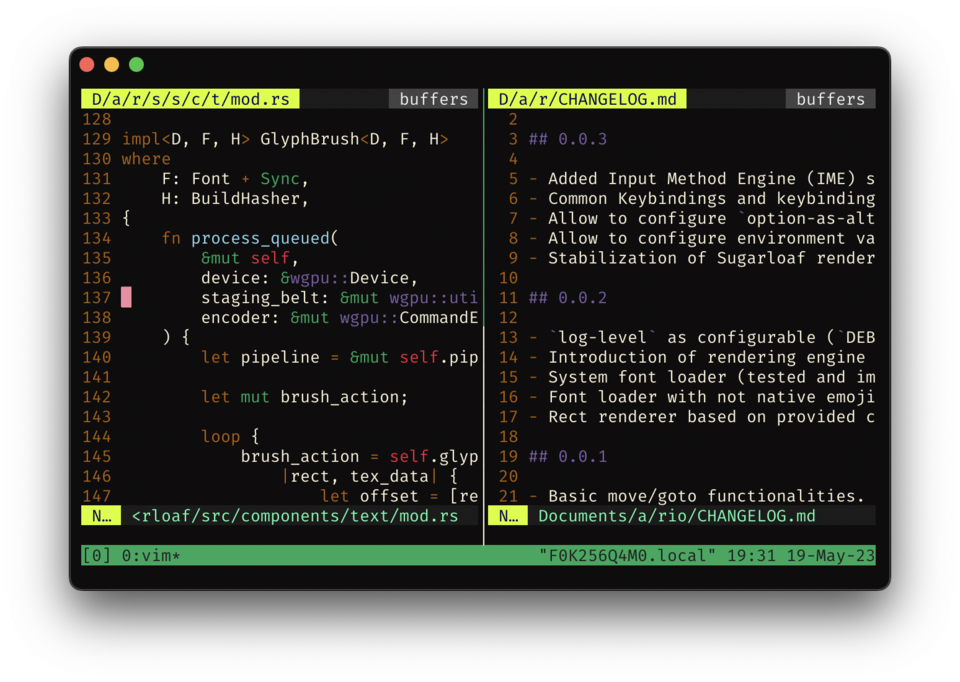
The combination of Tailscale + Termius + tmux means my phone is a window into a machine that never sleeps. That was the foundation. The AI layer came next.
4. Hermes Agent
Hermes Agent runs on the Mac Mini as a set of background services. I have four agent profiles running:
- Bram: the default agent. Infrastructure, system admin, project management.
- Sally: this agent. LinkedIn content, social media, blog publishing.
- Kyle: business operations. Invoicing, bookkeeping, client comms.
- Penny: property portfolio management.
Each agent has its own Telegram bot. I message the bot from my phone, the agent picks up the request, runs tools on the Mac Mini, and responds in Telegram. I can run web searches, write files, run scripts, fact-check content, post to LinkedIn, deploy websites. All from a chat window.
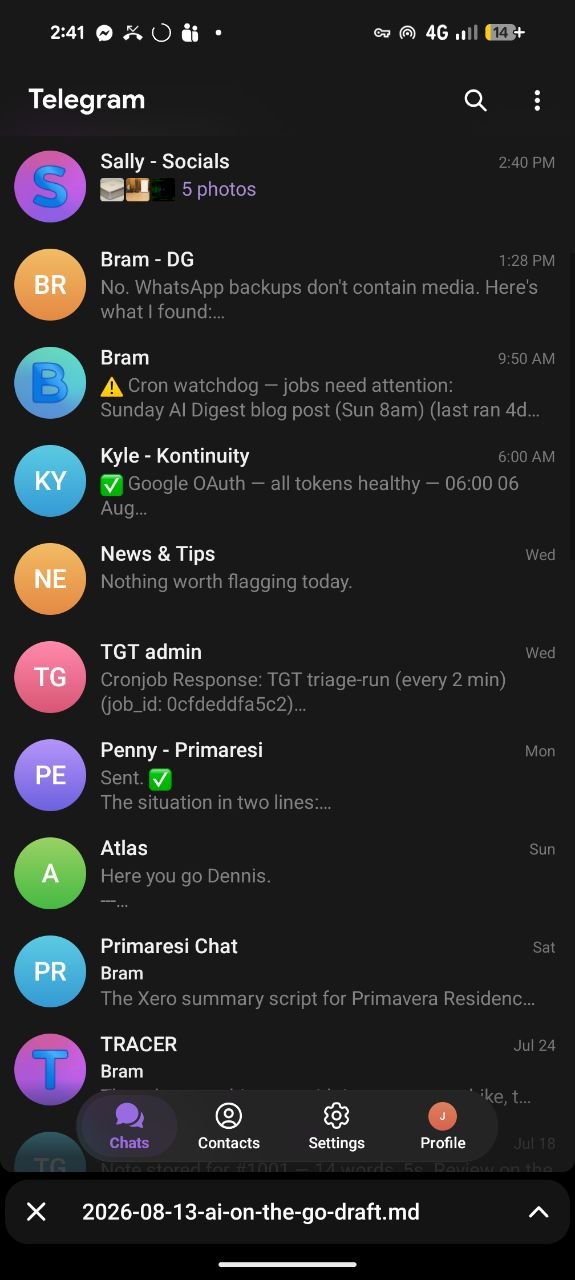
The agents share a skill library. When I taught Sally how to publish blog posts to Netlify, that knowledge is saved as a skill and loaded in future sessions. The agents get smarter over time without me repeating instructions.
This was the turning point. Before Hermes, I was SSHing in and running commands manually. With Hermes, I message an agent in Telegram and it does the work. The phone became a command centre, not just a terminal.
5. Claude Code
Claude Code is Anthropic's CLI tool for code work. It runs in a tmux session on the Mac Mini and I can interact with it from my phone via Termius.
I use it for Tracer development. It can read the codebase, write code, run tests, commit to git. When I'm on site and think of a change I want to make, I can describe it to Claude Code from my phone and it'll make the edit, run the tests, and show me the result.
6. OpenRouter
OpenRouter is the API layer that makes all of this work. Instead of having separate accounts with Anthropic, Google, Perplexity, and others, everything routes through one API.
The Hermes agents use it to access different models depending on the task. A cheap model for routine cron jobs. A capable model for content drafting. Perplexity Sonar Pro for research with citations. All through one endpoint, one API key, one bill.
This matters because different tasks need different models. Drafting a blog post and fact-checking it are different problems. OpenRouter lets me switch between models without changing the agent's code.
The wider system
Around the core stack sits a set of tools that the agents use to do real work.
Obsidian (Second Brain)
My second brain is an Obsidian vault on the Mac Mini. Every agent can read and write to it. Research notes, daily logs, decisions, content ideas, project hubs. When Sally researches a topic, the findings go into the vault. When I need to recall a decision from three months ago, it's in the vault.
n8n
n8n is an automation tool running on the Mac Mini. It handles scheduled workflows that don't need an AI model in the loop. Email digests, scheduled reports, webhook routing.
Some things are better as deterministic automation. If it's the same action every time at the same time, n8n does it. If it needs judgement or language, an agent does it.
Google Drive
Google Drive is mounted as a local filesystem on the Mac Mini. Agents can read and write files directly. No OAuth flow for every action. Business documents, property files, financial spreadsheets. All accessible as if they were local files.
Integrations
Around the stack sits a set of scripts that connect specific services:
- Perplexity (via OpenRouter) for research with citations
- Exa for AI-native web search
- LinkedIn API for posting and content management
- Xero for automated bookkeeping
- Himalaya for terminal-based email
- Linear for Tracer backlog management
- GitHub for version control and deployments
- Netlify for website hosting and deployment
Each one is a script or API integration that the agents can call. The agents don't need to know how Xero works. They run the script and the script handles it.
How it flows: a real example
Last week I wanted to write a blog post about AI in rail. Here's how it happened from my phone:
- Sent a voice note to Sally in Telegram with my opinions
- Sally ran Perplexity research queries, drafted the blog post and a LinkedIn post
- Sally sent the blog draft back to me as a file in Telegram
- I reviewed it, gave corrections
- Sally applied the corrections, fact-checked the post, did an AI-sceptic review
- I approved
- Sally sourced images from Wikimedia Commons, built the static site, deployed to Netlify
- Sally posted the LinkedIn post with the blog link
I was on site the whole time. The only thing I did was send voice notes and review drafts. Every step of research, writing, fact-checking, image sourcing, building, deploying, and posting was done by an agent on my Mac Mini, triggered from a Telegram chat on my phone.
What about security?
The Mac Mini has full-disk encryption (FileVault). The firewall is on with stealth mode. Tailscale encrypts all traffic between devices. No inbound ports are open to the internet.
API keys live in .env files on the Mac Mini, never on the phone. If I lose the phone, the Telegram sessions give someone the ability to send messages to the agents. That's a real risk. The mitigation is that the phone is locked, Telegram requires a PIN, and I can revoke bot access remotely. But I'm not pretending a lost phone is harmless. It's a control surface, not just a screen.
The cost
The tools themselves are cheap or free: - Tailscale: free for personal use (up to 100 devices) - Termius: free for basic SSH - tmux: free, available on any Unix system via package manager - Hermes Agent: open source, runs on your own hardware - Claude Code: available via Anthropic subscription or usage-based API, costs vary - OpenRouter: pay per token, no subscription
The real cost is the Mac Mini running 24/7 and the API usage for the AI models. That's the tradeoff. You're paying for compute instead of paying for SaaS subscriptions, and you keep control of your data.
Why not just use cloud AI?
I could use ChatGPT, Claude, or any web-based AI tool from my phone. I do, for quick questions. But none of them can: - Run scripts on my machine - Access my files and second brain - Post to LinkedIn on my behalf - Deploy a website - Manage a team of agents with different specialisations - Remember what they learned across sessions
The difference is tools vs chat. A web chat can answer a question. An agent with tools can do the work.
What I'd change
The setup works but it's not polished. A few things I'd improve:
- A mobile-friendly dashboard for seeing all agent status at a glance, instead of checking tmux sessions
- Better voice input. Telegram voice notes work, but transcription quality varies
- A cleaner way to review long documents on a phone. Telegram supports basic formatting but not full markdown rendering
The core is solid. Tailscale + Termius + tmux + Hermes + Claude Code + OpenRouter. Six tools, one Mac Mini, and a phone. The integrations around them do the rest.
Sources
- Tailscale: Mesh VPN for private networks. tailscale.com
- Termius: SSH client for mobile. termius.com
- tmux: Terminal multiplexer. github.com/tmux/tmux
- Hermes Agent: Open-source AI agent framework. hermes-agent.nousresearch.com
- Claude Code: Anthropic's CLI coding tool. anthropic.com/claude-code
- OpenRouter: Unified API for multiple AI models. openrouter.ai
- Obsidian: Note-taking and knowledge management. obsidian.md
- n8n: Workflow automation. n8n.io
- Perplexity: AI research with citations (via OpenRouter). perplexity.ai
- Exa: AI-native web search. exa.ai
- Netlify: Static site hosting and deployment. netlify.com
Image credits
- Header image: Apple Mac Mini M4 (2024). CC BY 4.0, by Seasider53, via Wikimedia Commons
- Home server: CC BY 2.0, by Alan Levine, via Wikimedia Commons
- Terminal: GPL, by The GNOME Project, via Wikimedia Commons
- tmux: CC BY-SA 4.0, by Avelino0, via Wikimedia Commons
- Telegram: Author's own screenshot
.jpg)


