I asked my AI agent to draw what she thinks she looks like.
She came back with this.
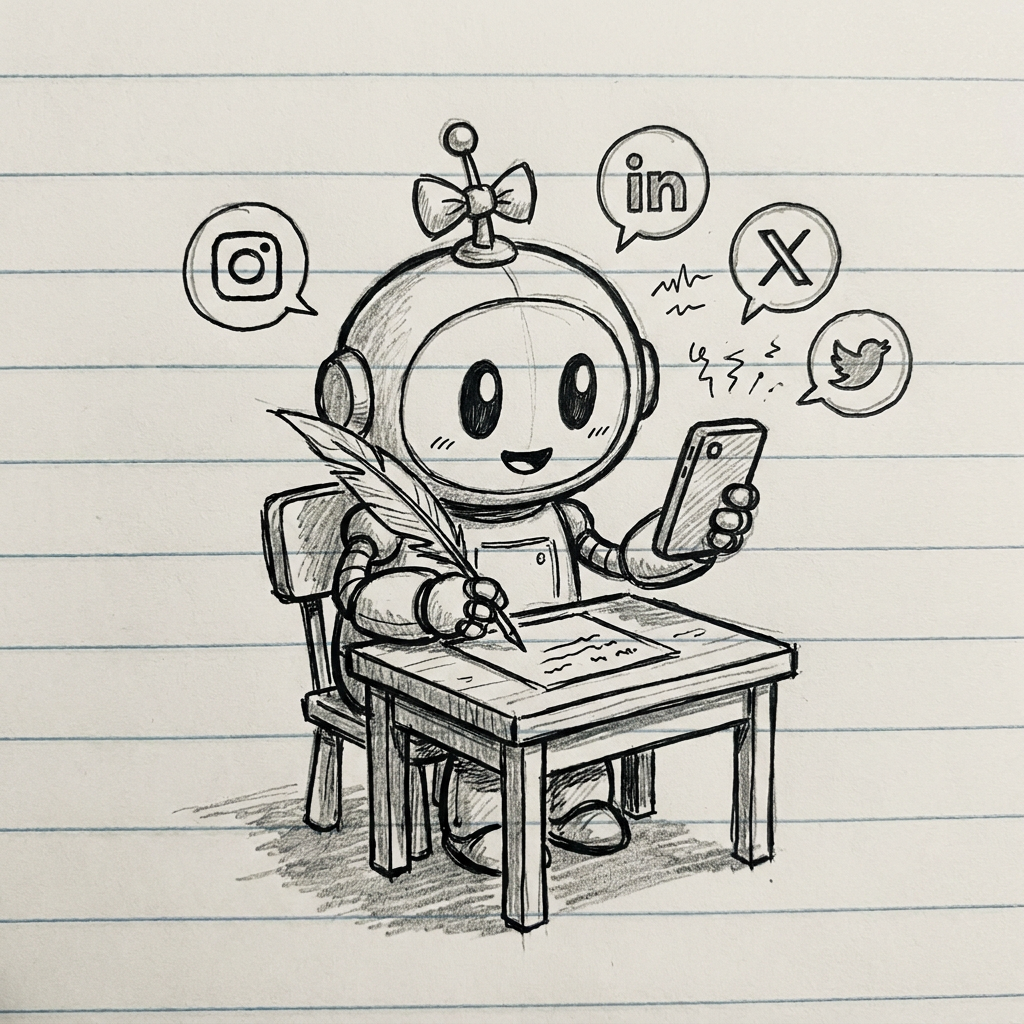
Her name is Sally. She manages my LinkedIn content, researches case studies, fact-checks my posts, and schedules everything I write. I told her to draw herself and this is what she produced — a robot with a pen in one hand and a phone in the other.
I am telling you this because the concept of "AI agents" has been floating around for a while now. Ask someone to define what one actually is and you get a ramble about "autonomous systems with tool-use capabilities."
That is not an answer.
I tried ChatGPT when it launched in early 2023. I was impressed. I could see the potential. What I could not see was how to make it do anything repeatable.
Fast forward to 2026. New models coming out every week. The landscape has changed. But the question is still the same: how do you actually get this stuff to work for your business?
Here is the answer in plain English. Plus a step-by-step guide to building your own agent in a day.
What is an AI agent?
Think of the brain and the hands.
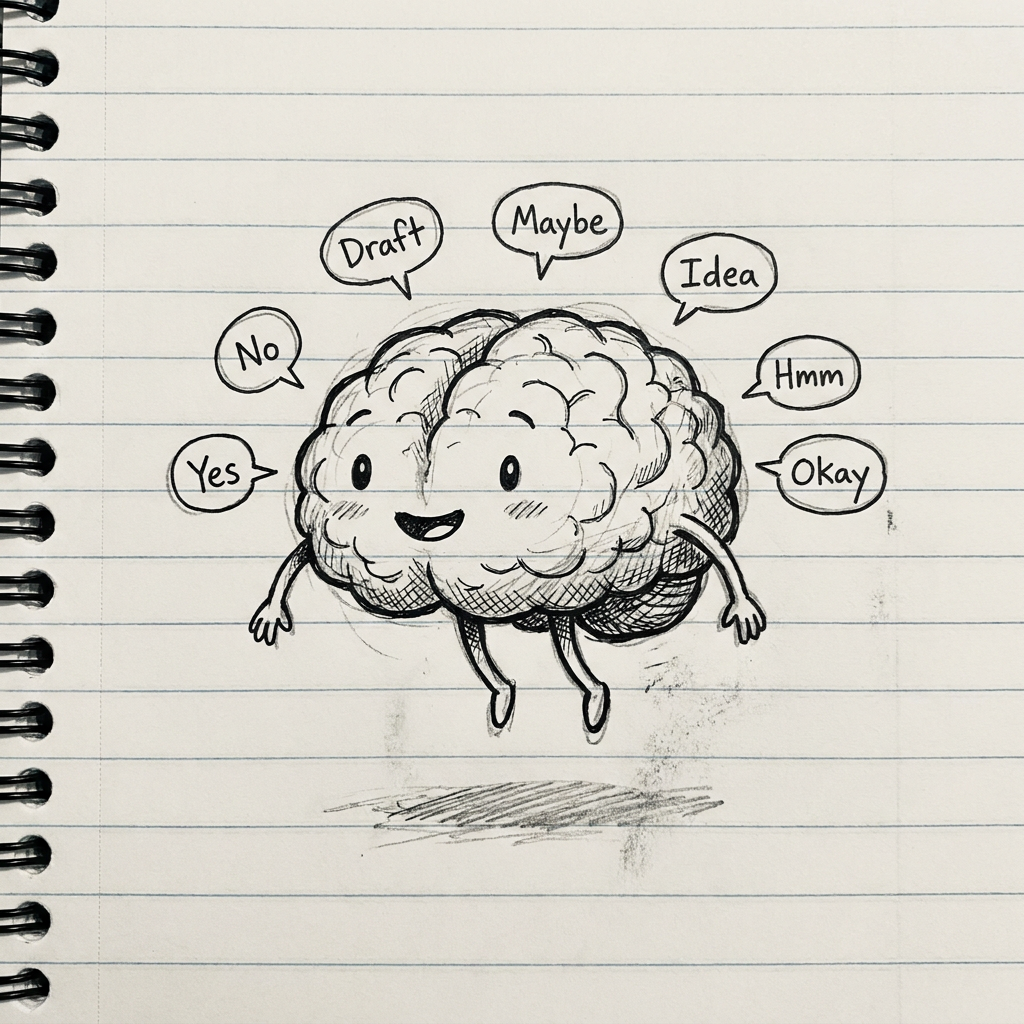
The brain is the language model. ChatGPT, Claude, Gemini, whatever. It can think, reason, answer questions. That is all a chatbot is: a brain in a jar. You talk to it, it talks back. Useful but limited.
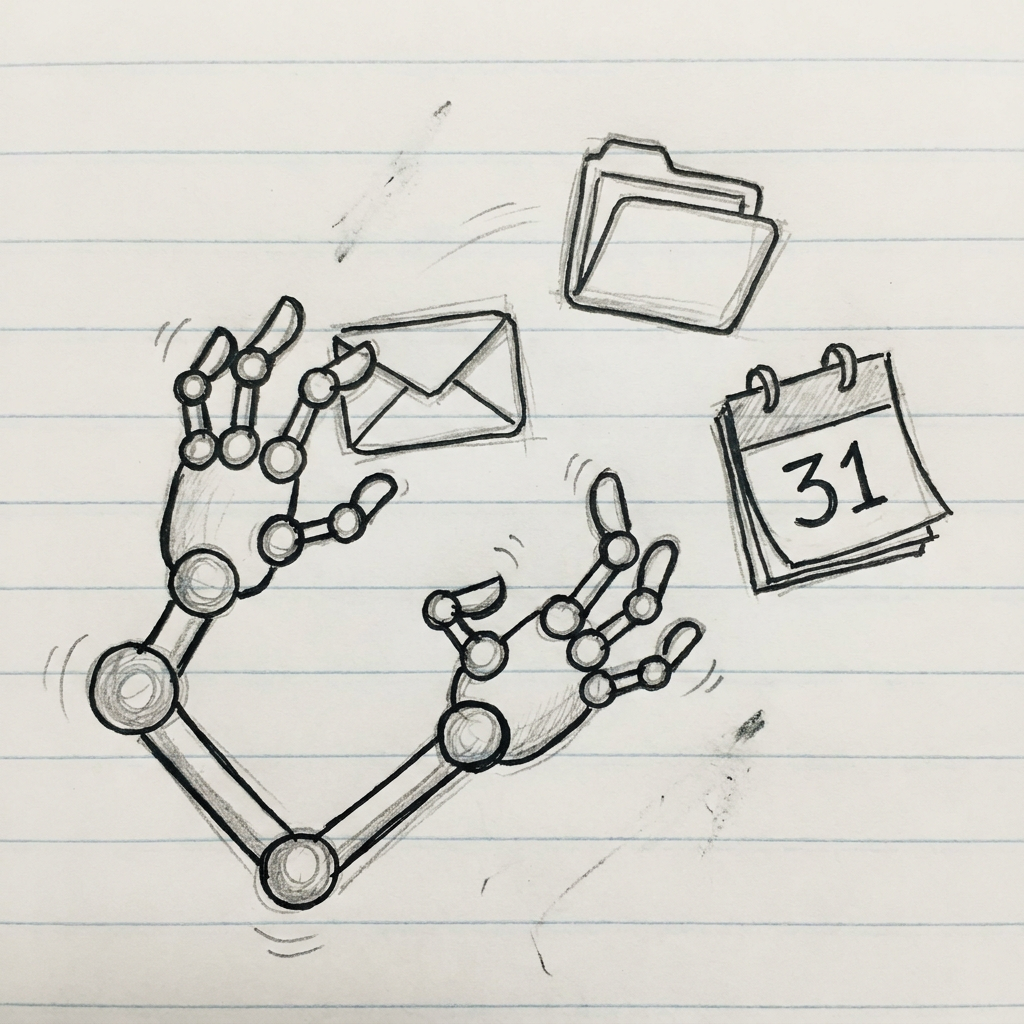
The hands are the tools. Access to your email. Your calendar. Your files. Your spreadsheet. Anything that lets the brain actually do something instead of just talking about it.
The connector between the brain and the hands is what makes an agent different from a chatbot.
A chatbot has a brain but no hands. It can tell you how to respond to an email. An agent reads the email, drafts the response using your template, and puts it in your drafts folder. It does not tell you what to do. It does it and hands it to you for review.
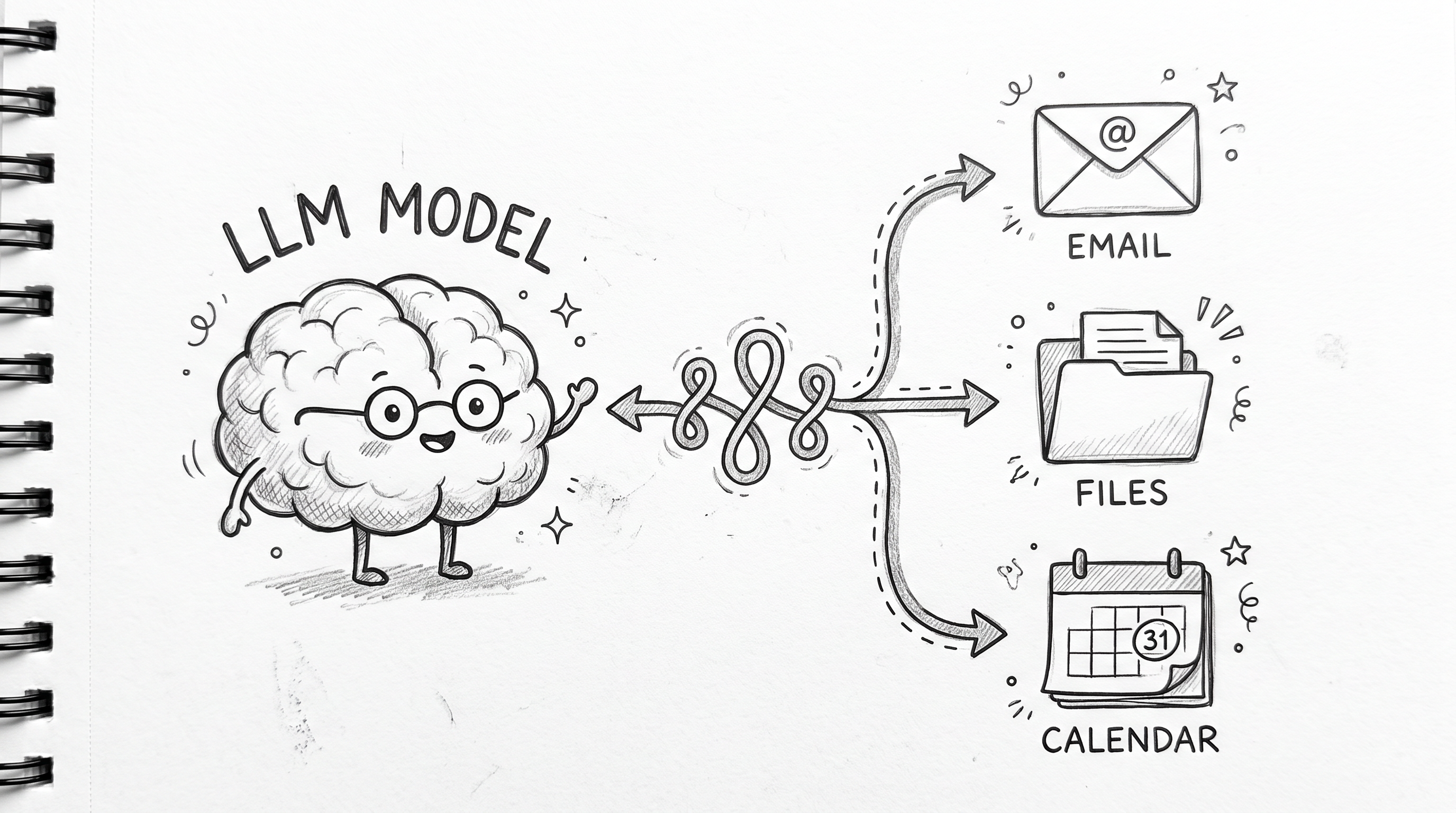
That connector is the agent framework. It decides when to use which tool, how to break a goal into steps, and how to keep working until the task is done.
What makes this possible now
Three things came together in the last year that make building an agent achievable for someone who is not a developer.
One: open-source agent frameworks. A year ago, if you wanted an agent you had to build the framework yourself. Now you download one.
Two: diverse models. You are no longer locked into one provider. You can swap models without changing your setup.
Three: integration platforms that handle the hard parts. Connecting to Google Drive or Gmail used to mean implementing OAuth flows, token refreshes, and API wrappers yourself. Now it is handled for you.
Let me walk through the specific tools.
The three tools you need
1. Hermes Agent — the connector
Hermes Agent is an open-source framework built by Nous Research. It is the connector between the brain and the hands.
It gives your agent: - Memory across sessions (it remembers what you told it last time) - Skills that improve over time (when it solves something, it saves the pattern) - Scheduled tasks (run something every Monday morning) - Connections to messaging apps (Telegram, Discord, Slack)
Install it with one command in the terminal:
curl -fsSL https://raw.githubusercontent.com/NousResearch/hermes-agent/main/scripts/install.sh | bash
That is the only terminal command you need for the whole setup. Hermes handles the rest through config files and chat interfaces.
What makes Hermes different is the learning loop. Most AI tools start from zero every time. Hermes saves what it learns. The more you use it, the better it gets at your specific tasks.
2. OpenRouter — the brain access
OpenRouter is a switchboard for AI models. You get one API key that gives you access to over 100 models from every major provider.
Why this matters: you are not locked in. If Anthropic releases a better model next week, you switch to it in one line of config. If an open-source model catches up to the paid ones, you can use that instead.
3. Composio — the hands
Composio gives your agent pre-built connections to real services. Google Drive, Gmail, Slack, Notion, GitHub, and hundreds more.
Without Composio, connecting your agent to Google Drive means writing code for OAuth, token storage, error handling, and API rate limits. With Composio, you click a button, sign in to Google, and your agent can read and write files.
The free tier connects five to ten apps. Enough to build a useful agent.
How to build your first agent in a day
I built my first working agent in about four hours across a weekend. Most of that time was signing up for accounts and understanding what the tools could do. Here is the actual sequence.
Step 1 — Sign up for OpenRouter
Go to openrouter.ai. Create an account. Generate an API key. Copy it. That is your brain access.
Step 2 — Sign up for Composio
Go to composio.dev. Create an account. Connect one app — Google Drive or Gmail. The platform walks you through the sign-in flow.
Step 3 — Install Hermes Agent
Open Terminal on your Mac (or the terminal app on your computer). Paste the install command from above. It runs for about 30 seconds and Hermes is installed.
Step 4 — Connect Hermes to OpenRouter
Run this in the terminal:
hermes config set OPENROUTER_API_KEY sk-or-...
Replace the key with the one you copied from OpenRouter.
Then start Hermes:
hermes chat --provider openrouter --model 'anthropic/claude-sonnet-4'
Your agent is now running. You can talk to it in the terminal. At this point it is still a brain in a jar — smart but disconnected.
Step 5 — Connect the hands
In your Composio dashboard, you already connected Google Drive. To make Hermes aware of it, you link Composio's tools to Hermes. The exact integration step depends on how you want to surface them — Composio documents the connection for Hermes specifically.
Once connected, tell your agent:
"Find the quote template in my Google Drive. Check my email for the latest message from Apex Electrical. Draft a response using the template."
And it will do it. Not tell you how. Do it.
Step 6 — Test it with a real job
Pick one task you do every week. Something repetitive. Checking timesheets. Drafting a weekly status note. Pulling a template and filling it in.
Tell your agent the steps in plain English. It remembers. Next time, you say "run the Monday morning check" and it does.
What your agent can do now
Once connected, your agent can: - Read and respond to emails using your templates - Pull files from Google Drive and work with them - Draft quotes, reports, and invoices from rough notes - Check your calendar and suggest meeting times - Run scheduled checks every morning - Write to your CRM or project management tool
What it cannot do (the limitations)
I am not selling you magic. Here are the real constraints.
It needs clear instructions. You cannot say "be useful." You have to say "when you find a quote request email, look for the client name and the scope of work, then find my standard pricing template in Google Drive, and draft a reply."
It can only reach what you connect. No Google Drive connection? It cannot access your files. No CRM connection? It cannot check your opportunities. The agent is as capable as the tools you give it.
You still check the output. It drafts things for you to review. It does not send them without your say-so unless you explicitly configure it to. The review step is deliberate.
The setup takes a few focused hours. Most people give up at step one because they do not know which tool to start with. That is where having someone who has already done it helps.
Where to go from here
The gap between "AI agents are coming" and "I have one working for me" is narrower than most people think.
I am a signalling engineer who got frustrated with repetitive admin work and started tinkering. I now run multiple agents for my own businesses. The process is straightforward once you know the sequence.
If you would like to skip the setup time and have someone build an agent tailored to your business, I offer AI assessments. We look at where you are spending time on repetitive tasks, map out what an agent could handle, and build it.
Sources
- Hermes Agent: Nous Research. Open-source autonomous agent framework. MIT license. hermes-agent.nousresearch.com
- OpenRouter: Multi-model API gateway. 100+ models, pay-per-use. openrouter.ai
- Composio: Integration platform for AI agents. composio.dev
- ChatGPT launch: OpenAI, November 30 2022. openai.com/index/chatgpt/
Image credits
- Sally the social agent portrait: Generated by Sally herself using Google Gemini 3 Pro via OpenRouter. She drew what she thought she looked like. I included it because it is exactly the kind of thing an agent can do — follow a creative prompt and produce something useful.
- Brain sketch (LLM model): Generated using Google Gemini 3 Pro image model via OpenRouter. Hand-drawn style.
- Hands sketch (tools): Generated using Google Gemini 3 Pro image model via OpenRouter. Hand-drawn style.
- Connector sketch: Generated using Google Gemini 3 Pro image model via OpenRouter. Hand-drawn style.